
 Security Product Engineering
















Part 2 followed a request from npm run dev to a React application rendering in the browser, through module serving, JSX transforms, dependency pre-bundling, the module graph, and HMR. All of that ran on Vite’s defaults.
Real projects rarely stay on the defaults. An application deployed under /admin/ needs different asset paths. A frontend that lives in a subdirectory needs a different project root. A staging build needs different values than production. Every one of those is a vite.config.ts change.
This part covers the general configuration options that control how Vite treats an application:
- defineConfig and the shape of a Vite config file
- root, base, publicDir, and cacheDir
- Global constants with define
- Custom asset types with assetsInclude
- Conditional config using command and mode
- appType and the plugins array
How do you define Vite configuration with defineConfig?
A typical Vite configuration looks like this:
import { defineConfig } from 'vite'

export default defineConfig({
  // Vite configuration
})
defineConfig() gives us a convenient way to define the configuration while also providing TypeScript support and editor autocomplete.
For example:
import { defineConfig } from 'vite'

export default defineConfig({
  base: '/my-app/'
})
Now Vite knows that the application will be served from /my-app/. We'll come back to what actually changes. The important thing is that most of our Vite customization will happen inside this configuration object.
How can you configure the project root?
By default, Vite treats the current project directory as the root. But sometimes the application source lives somewhere else.
For example:
project/
├── frontend/
│   ├── index.html
│   └── src/
└── backend/
We can tell Vite to use frontend as the application root:
import { defineConfig } from 'vite'

export default defineConfig({
  root: './frontend'
})
Now Vite uses:
frontend/
as the root of the application.
This becomes useful in projects where the frontend isn't located at the repository root.
How can you configure the application's base URL?
Let's say our application works perfectly when running locally: http://localhost:5173/
But in production, it will be deployed at: https://example.com/admin/
Now our application needs to know that it isn't being served from /. This is where base comes in.
export default defineConfig({
  base: '/admin/'
})
Vite will use this base path when generating URLs for assets and other resources. For example, instead of generating something like:
/assets/index.js
the generated application can reference:
/admin/assets/index.js
This is especially useful when deploying an application under a subpath. So if the requirement is: "My application isn't deployed at the domain root." the configuration is: base: '/admin/'
Steps to configure the Public Directory?
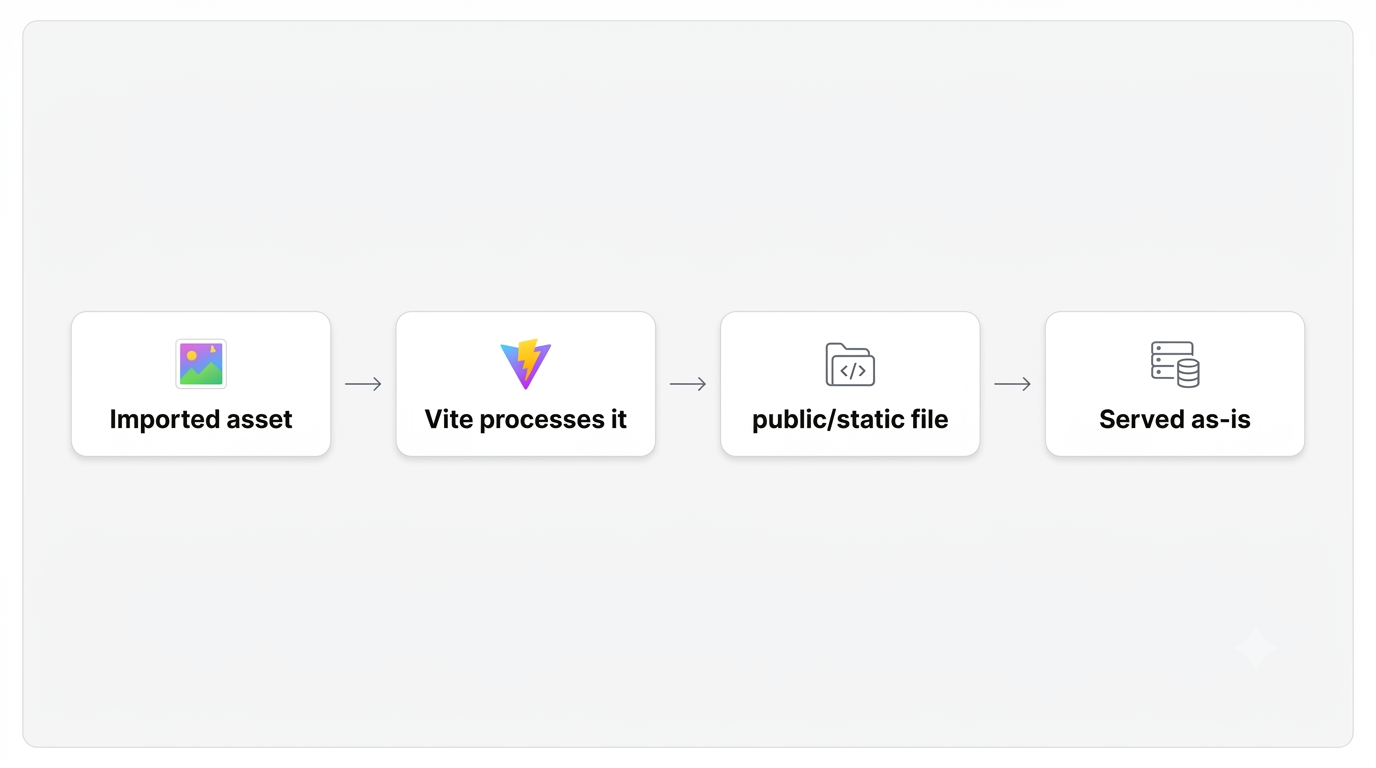
Vite supports a public directory for files that should be served as-is.
For example:
project/
├── public/
│   ├── favicon.ico
│   └── robots.txt
└── src/
By default, Vite uses: public/. But we can change that.
export default defineConfig({
  publicDir: 'static'
})
Now Vite will use static/ instead.
For example:
project/
├── static/
│   ├── favicon.ico
│   └── robots.txt
└── src/
The files inside this directory are served without going through the normal module processing pipeline.
This gives us a simple distinction:
How to configure Vite's cache directory
Vite stores generated cache information in a cache directory.
By default, this is: node_modules/.vite
We can change it using cacheDir:
export default defineConfig({
cacheDir: '.vite-cache'
})
Now Vite uses .vite-cache/ instead.
This is not something we normally need to change in a typical application. But it can become useful when we have custom project structures, multiple applications, or want to keep generated cache files in a different location.
How to define global constants in Vite?
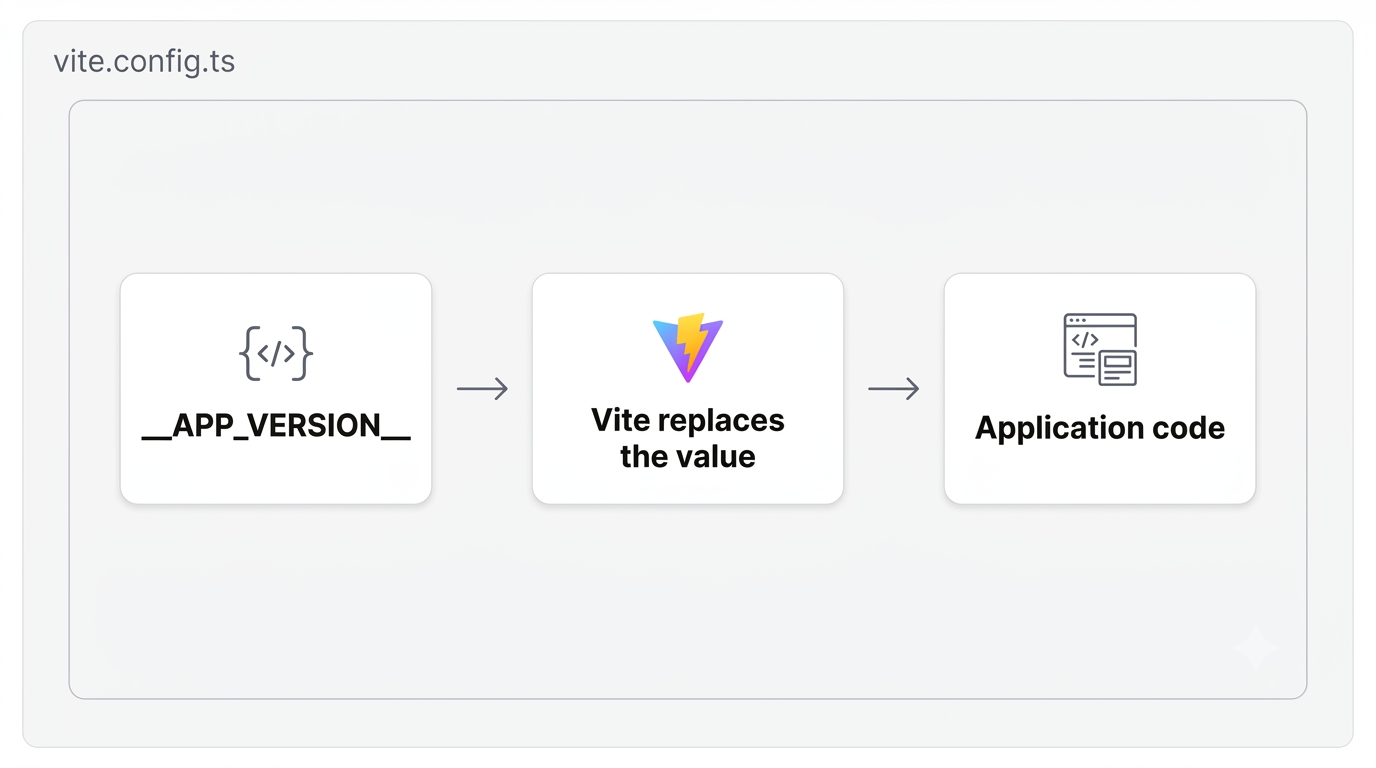
Now let's look at a configuration that can directly affect our application code. Suppose we want to make an application version available throughout the application. We can define it in Vite:
export default defineConfig({
  define: {
    __APP_VERSION__: JSON.stringify('1.0.0')
  }
})
Then we can use it in our application:
console.log(__APP_VERSION__)
Vite replaces this value during the build process. Conceptually:
We can use this for things such as:
define: {
  __APP_VERSION__: JSON.stringify('1.0.0'),
  __BUILD_ENV__: JSON.stringify('production')
}
One important detail to remember is that define is intended for constants that are replaced in the source code. It is not a replacement for environment variables or a secure secret store. We'll look at environment variables in a later part.
How to tell Vite to treat custom files as assets?
Vite already understands many common asset types. For example:
.png
.jpg
.svg
.gif
.webp
But what if our application uses a custom file type? For example:
src/templates/email.template
We can tell Vite to treat matching files as assets:
export default defineConfig({
  assetsInclude: ['**/*.template']
})
Now Vite recognizes .template files as assets. This is useful when a project has custom file formats that need to be imported as files rather than processed as JavaScript or CSS. For example:
import template from './templates/email.template'
The important idea is: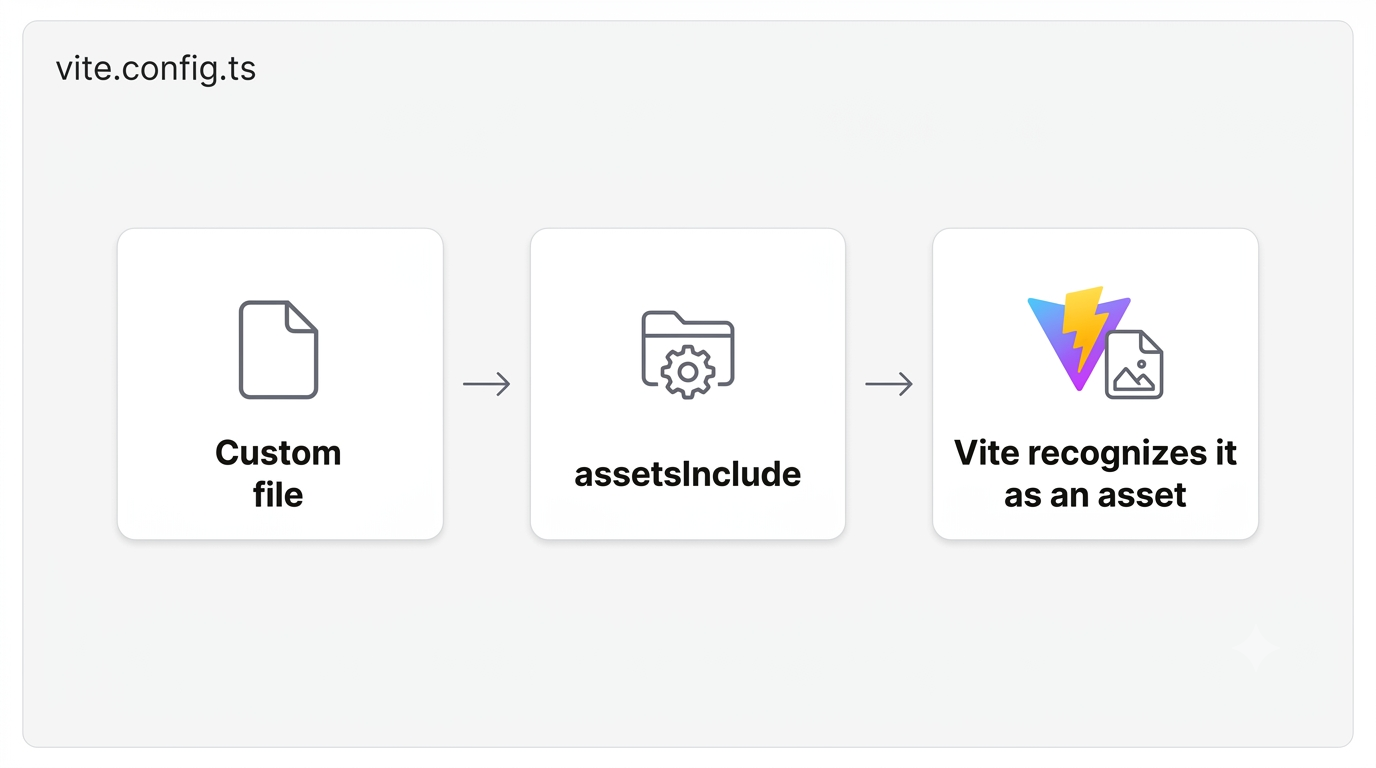
Steps to configure Vite differently for development and production
So far, our configuration has been static. But real applications often need different behavior depending on what we're doing. For example:
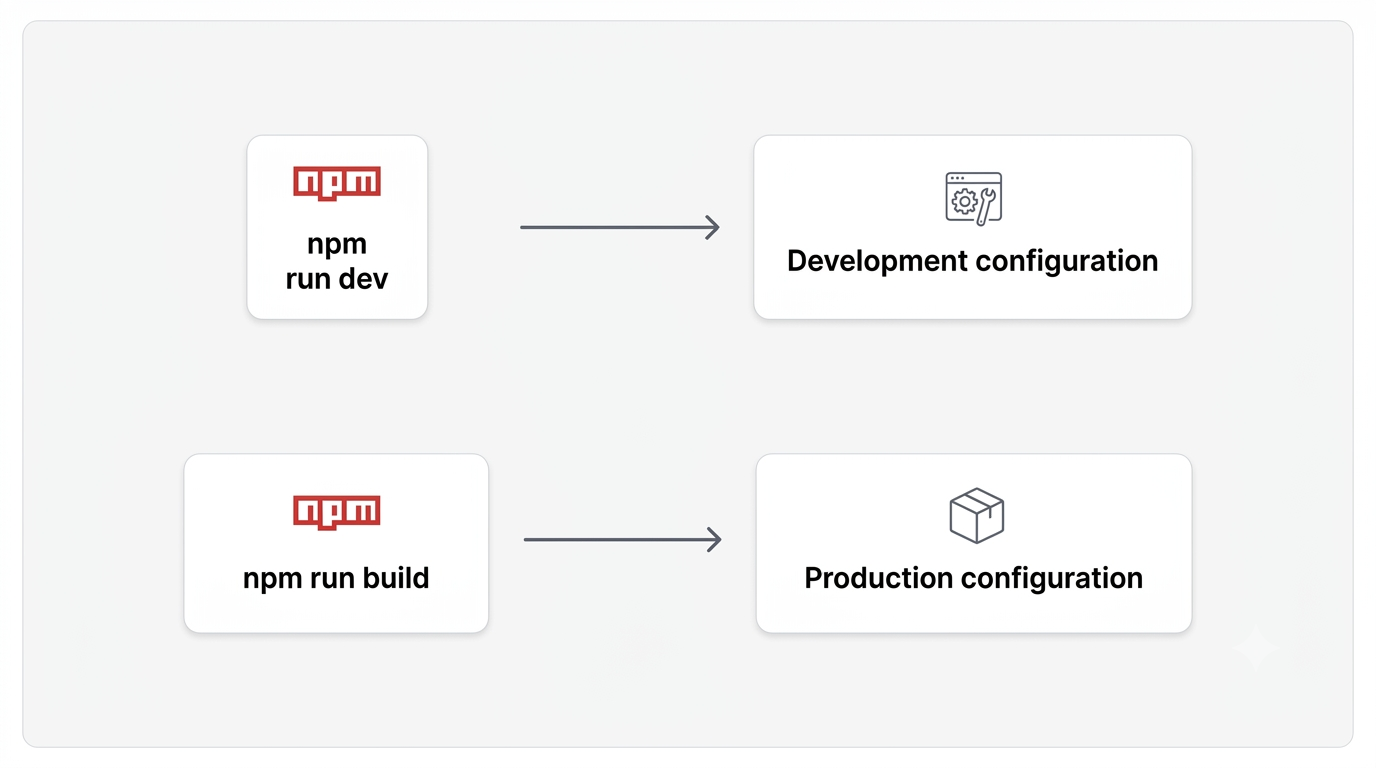
Vite allows us to make the configuration dynamic. Instead of:
export default defineConfig({
  // configuration
})
we can write:
export default defineConfig(({ command }) => {
  if (command === 'serve') {
    return {
      // development configuration
    }
  }

  return {
    // production configuration
  }
})
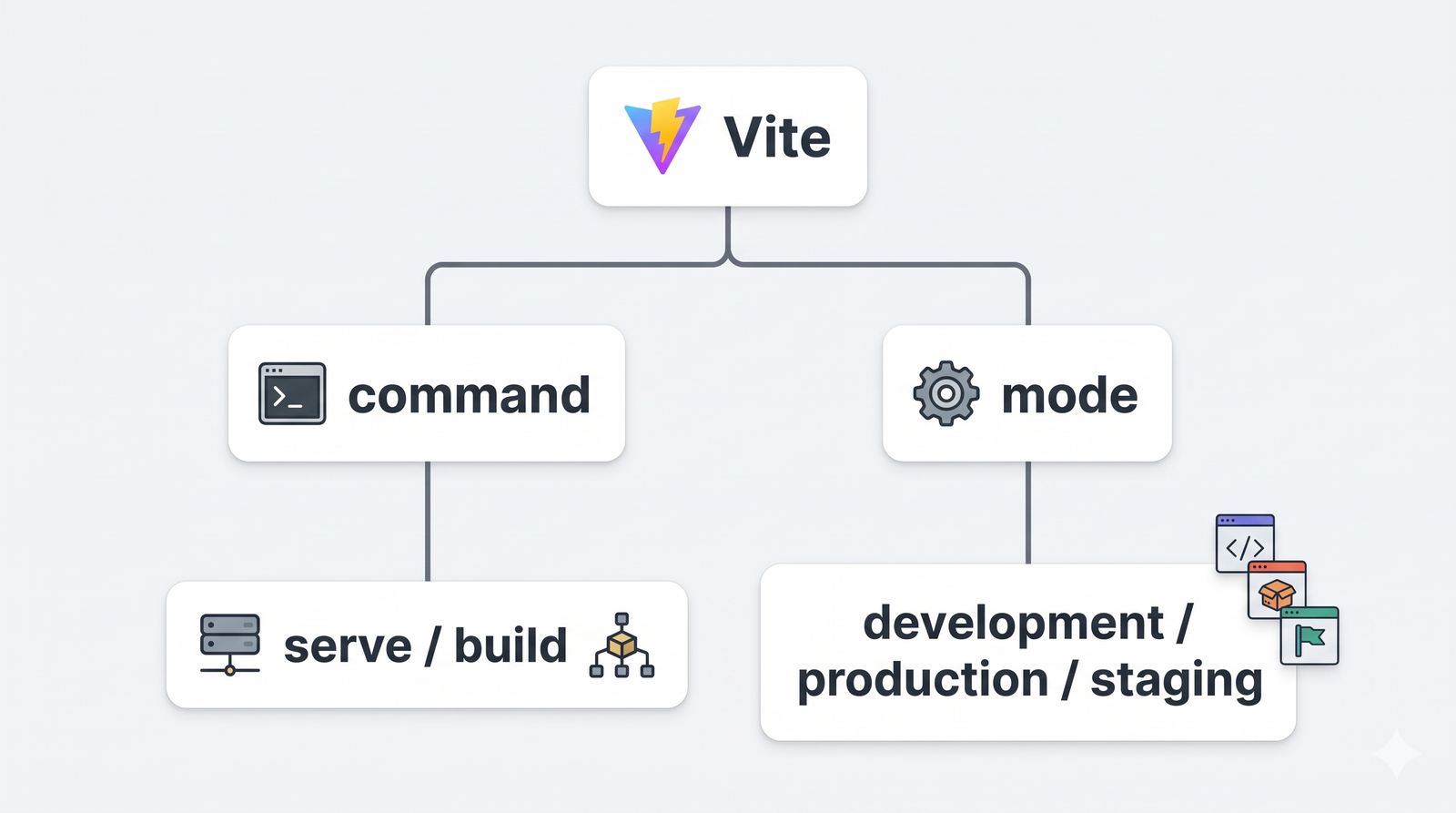
Vite provides the command value 'serve' and 'build', so we can configure something differently depending on whether Vite is running the development server or performing a production build. For example:
export default defineConfig(({ command }) => {
  return {
    define: {
      __IS_DEV__: JSON.stringify(command === 'serve')
    }
  }
})
Now the configuration can react to the way Vite is being used.
How to configure Vite for different modes
Command tells us what Vite is doing. Mode tells us which mode we're running in. For example: vite uses the default development mode, while vite build uses the default production mode. We can also create our own mode: vite build --mode staging. Then we can access that mode inside the configuration:
export default defineConfig(({ mode }) => {
  console.log(mode)

  return {
    // configuration
  }
})
For example development, production, and staging. This becomes particularly useful when we want configuration to change based on the environment. We can combine command and mode:
export default defineConfig(({ command, mode }) => {
  console.log(command)
  console.log(mode)

  return {
    // configuration
  }
})
Conceptually:
This gives us much more flexibility than having one static configuration object.
How to detect SSR builds and preview mode?
Vite also provides additional information to the configuration function. For example:
export default defineConfig(
  ({ command, mode, isSsrBuild, isPreview }) => {
    return {
      // configuration
    }
  }
)
Now the configuration can react to:
- command
- mode
- isSsrBuild
- isPreview
For example, we could detect an SSR build:
if (isSsrBuild) {
  // SSR-specific configuration
}
Or detect preview mode:
if (isPreview) {
  // Preview-specific configuration
}
We won't go deep into SSR or preview configuration yet. The important part here is that Vite configuration itself can be conditional.
How to configure the application type?
Vite also provides appType to tell the development server what type of application it's serving. For example:
export default defineConfig({
  appType: 'spa'
})
Common application types include:
- spa
- mpa
- custom
For a typical React single-page application, spa is the relevant configuration.
This affects how Vite handles things such as fallback behavior for routes that aren't actual files. For example:
/admin/users
/admin/settings
/profile
In a single-page application, these routes may need to resolve back to the application's HTML entry point so that the client-side router can handle them.
How to add a plugin to Vite?
plugins are an important configuration option. A typical React project already has something like:
import { defineConfig } from 'vite'
import react from '@vitejs/plugin-react'

export default defineConfig({
  plugins: [
    react()
  ]
})
This is where Vite's plugin system becomes part of the configuration. And plugins can do much more than simply add React support. They can participate in things such as:
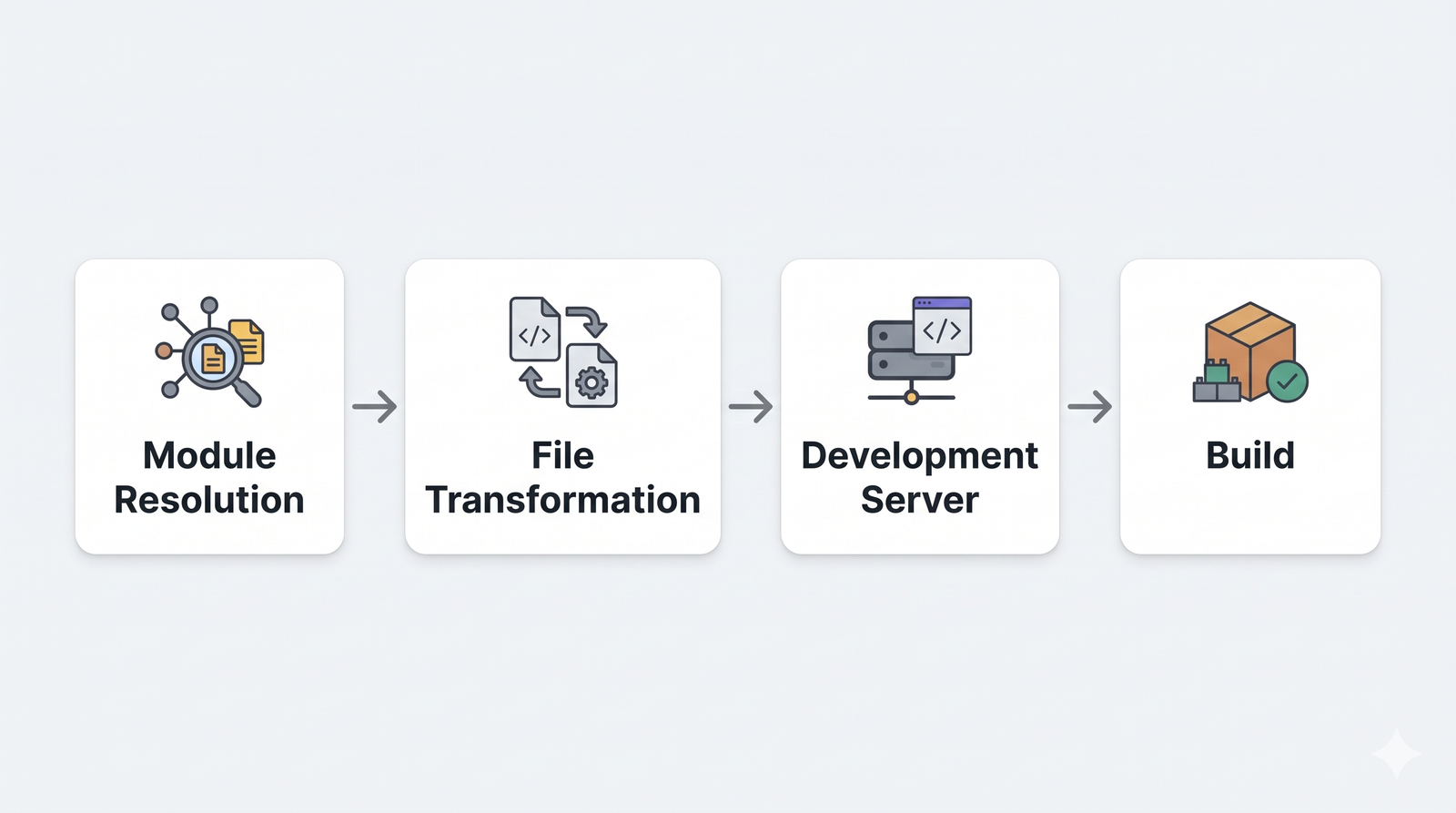
For example, a plugin can transform files before Vite serves them, add development-server behavior, or modify build behavior. But this is where things become much more interesting. We've only configured which plugins are enabled.
What if we want to control:
- when a plugin runs?
- the order in which plugins run?
- how a plugin transforms a module?
- how Vite resolves a module?
- how dependencies are optimized?
That's a different level of configuration. And that's where we'll go next.
What have we configured so far?
At this point, our vite.config.ts can look something like:
import { defineConfig } from 'vite'
import react from '@vitejs/plugin-react'

export default defineConfig(({ command, mode }) => {
  return {
    root: './frontend',

    base: '/admin/',

    publicDir: 'static',

    cacheDir: '.vite-cache',

    define: {
      __APP_VERSION__: JSON.stringify('1.0.0')
    },

    assetsInclude: [
      '**/*.template'
    ],

    plugins: [
      react()
    ]
  }
})
We haven't configured every possible Vite option. And that's intentional. The goal isn't to memorize the Vite configuration reference. The goal is to understand:
When I need a particular behavior, which Vite configuration should I reach for?
So far, we've configured:
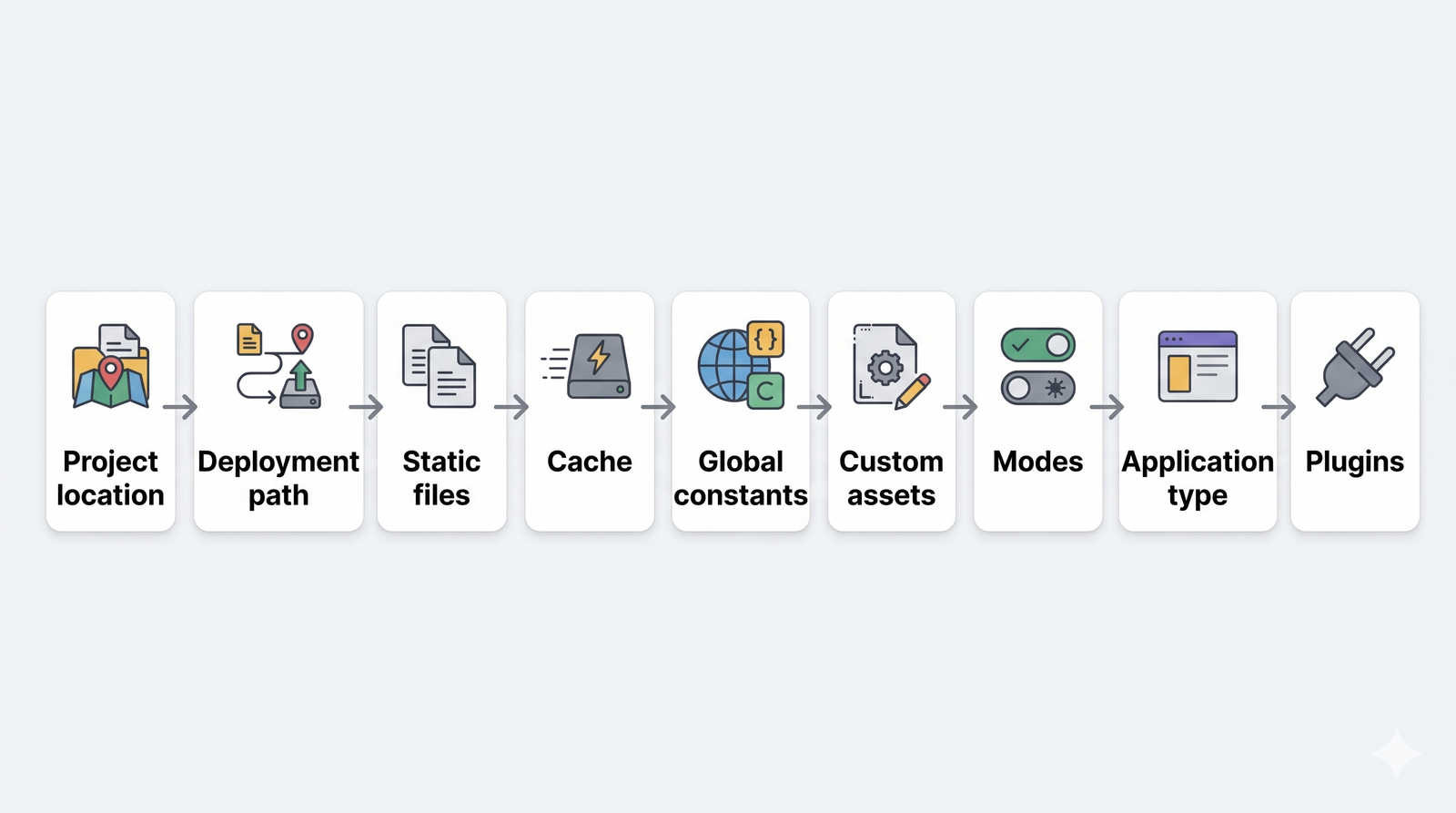
But there's still a major piece missing.
What's Next?
We've added a plugin:
plugins: [
  react()
]
We've seen that plugins can participate in how Vite processes our application. But our application also contains imports like import Button from '@/components/Button' and dependencies like import React from 'react'. So now another question arises: How does Vite know where these modules come from, and how does it decide how they should be processed? This will be answered in the next blog.
A simple mental model for Vite config
If someone asks: "What can I actually control using vite.config.ts?" I wouldn't think of it as a giant list of configuration options. I'd think about it like this:
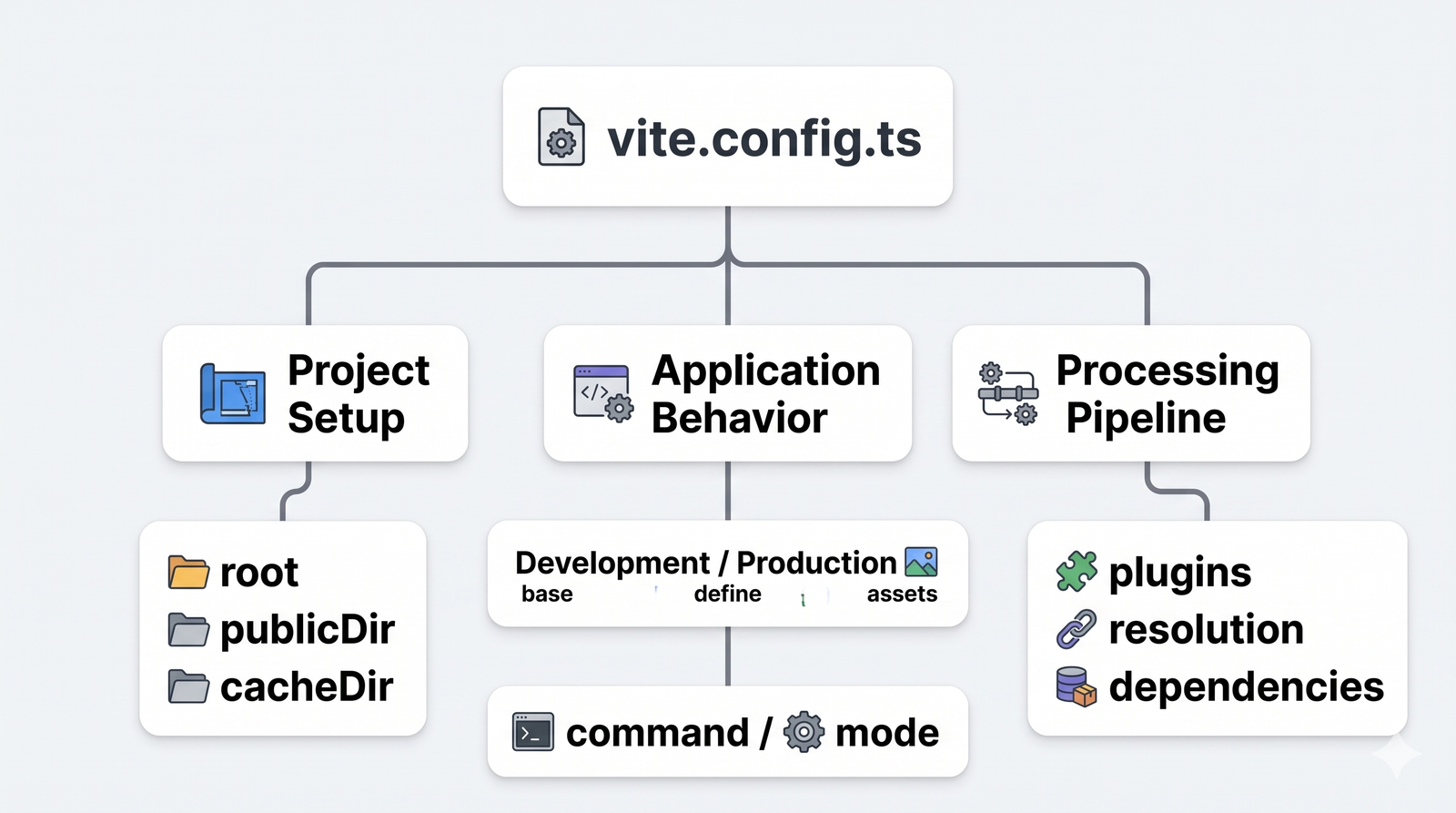
And this is only the beginning. We've configured the general behavior of Vite. Next, we'll start configuring how Vite actually processes our application's modules and dependencies. That's where the configuration gets much more powerful.
Comments
Related Blog /Articles




Ready to transform your FinTech Application?
Explore our VAPT as a Service portfolio or speak with our team to discuss your security testing requirements.